
-
 RapidSSL - simple site security for less. It provides basic level customer confidence with the https, closed padlock and a static trust mark.
-
 A range of digital certificate and trust products enable organizations of all sizes to maximize the security of their digital transactions cost-effectively.
-
 The ideal solution for enterprises and large organizations. The Internet most recognized and trusted SSL brand.
-
 A quick, cost-efficient, and effective solution to build secure connection. PositiveSSL certificates show your customers you’re employing serious security measures to keep their transactions and data safe.
-
 SECTIGO, formerly COMODO CA, Creating trust online for individuals, e-merchants, enterprise, with its robust SSL security.
-
iHow organizations best manage their certificate lifecycle?
Download E-book
- TLS/SSL Certificate Brands
-
Certificate Products
-
 Single Domain SSL
One for main domain with free 'www' coverage. -
 Wildcard SSL
Protect unlimited sub domains under main website. -
 Multi-Domain SSL
One certificate for multiple domain names. -
 Domain Validation SSL
It is quick and cost-efficient, really. Basic protection. -
 Organization Validation SSL
It gives your website an online idenity. For SMBs to strengthen web trust. -
 Extended Validation SSL
Stand out your buiness entity, protect brand and transactions. -
 Email (Client) Certificate
Encrypt and signed email, enable two-factor authentication, and implement strong digital trust practices throughout your organization. -
 Code Signing Certificate
Boost Software Adoption and improve customer's trust with Code Signing. Digitally sign Code across popular platforms.
-
-
Domain & Email
-
Domain Name Registration
Get your perfect domain name -
Domain Reseller
Reseller Pricing & TLDs -
Transfer Domain
Transfer domain into BestCert -
Business Email
Business Email builds customer trust
-
- Site Builder
- PKI Solutions
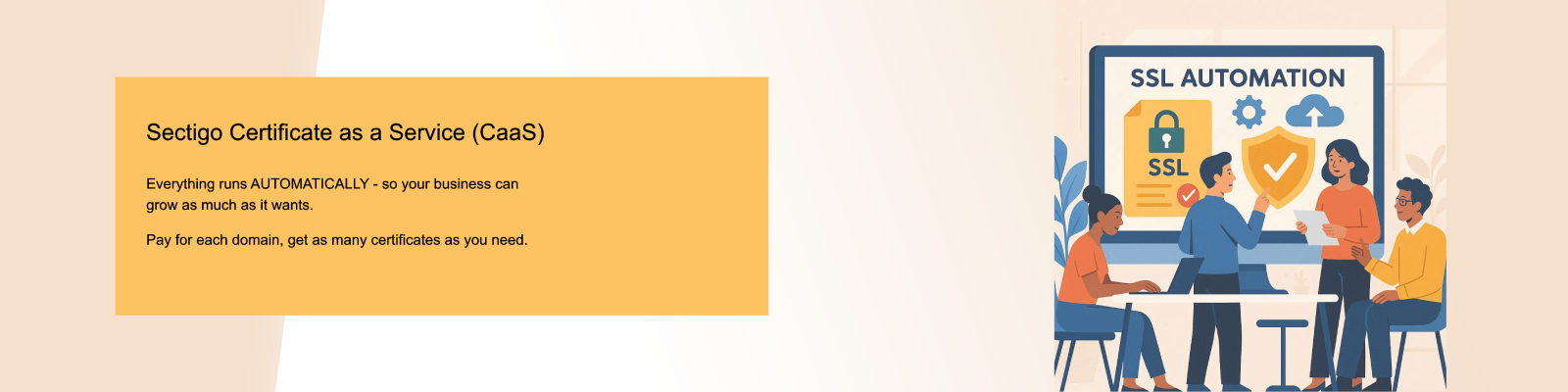
- SSL Automation
- About Us
SSL